AWF_saveMaster
01. Open the extension and pick a language
Saves pictures and videos from any page with one key. Settings are in the popup.
Click the extension icon.
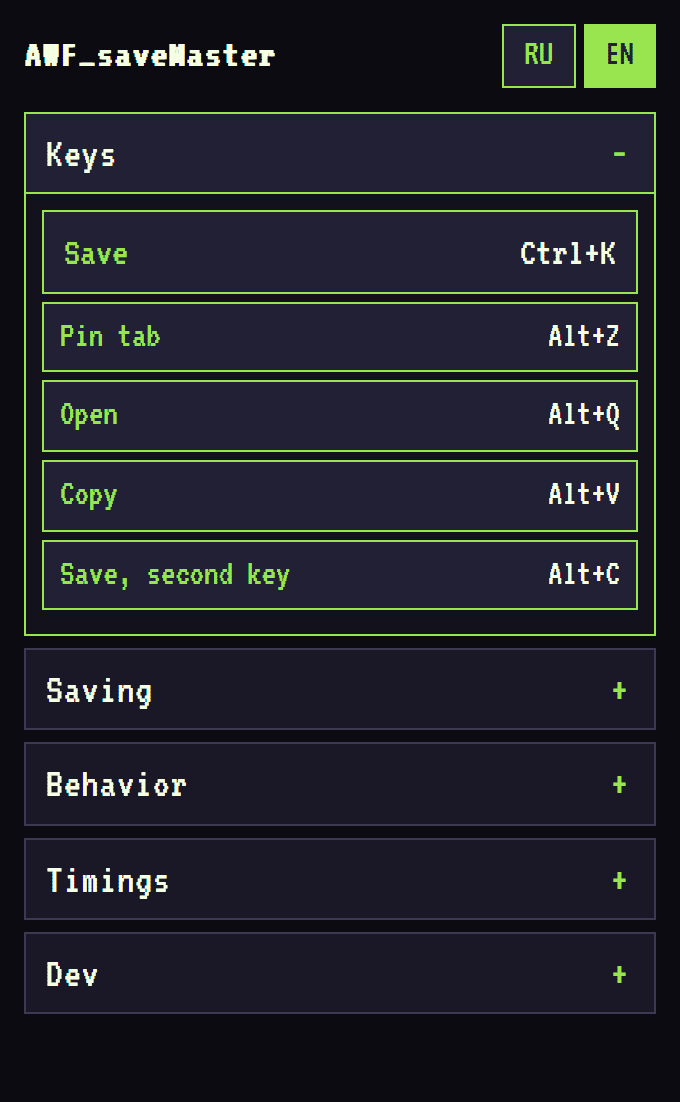
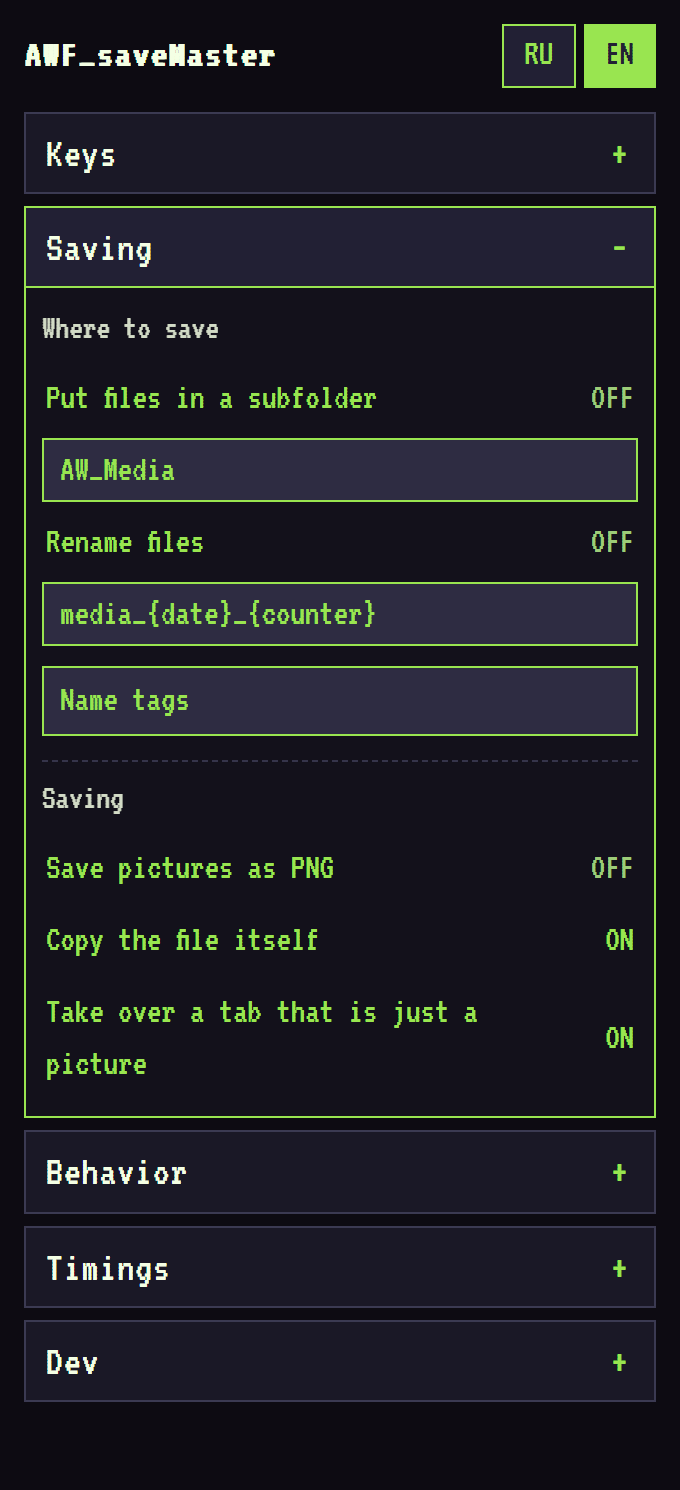
Language of the popup and on-page menus. Green = active.

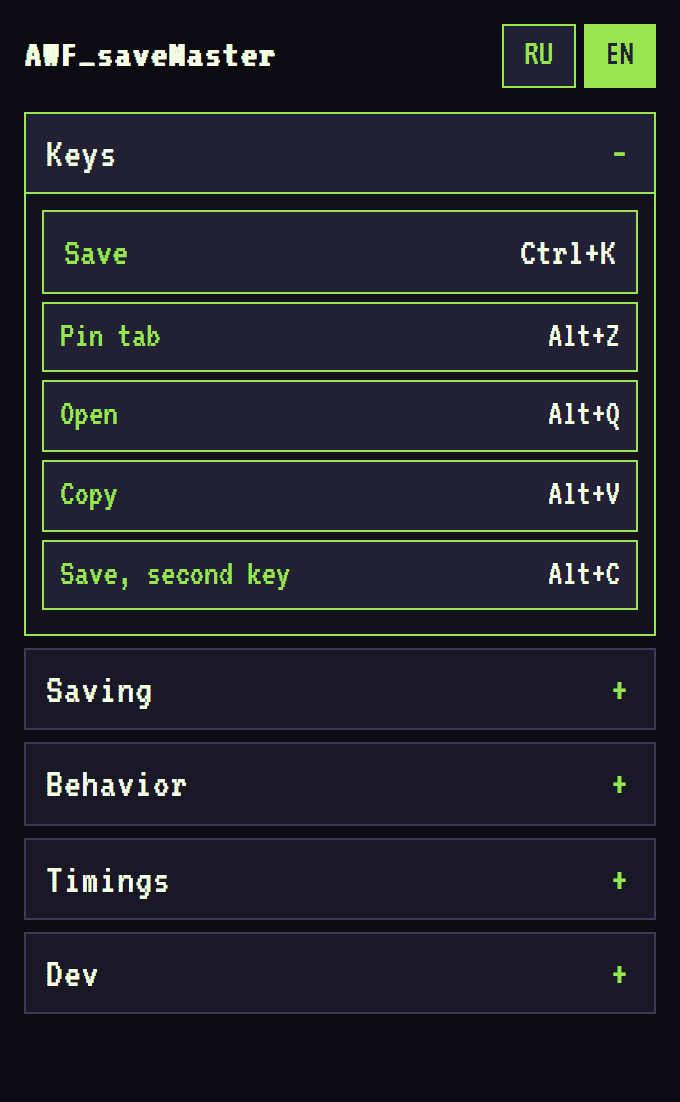
Click a title to open it; only one block stays open. Click again to close. The last open block is remembered.
02. Save a picture with one key
Point at a picture. The green frame shows what will be saved.
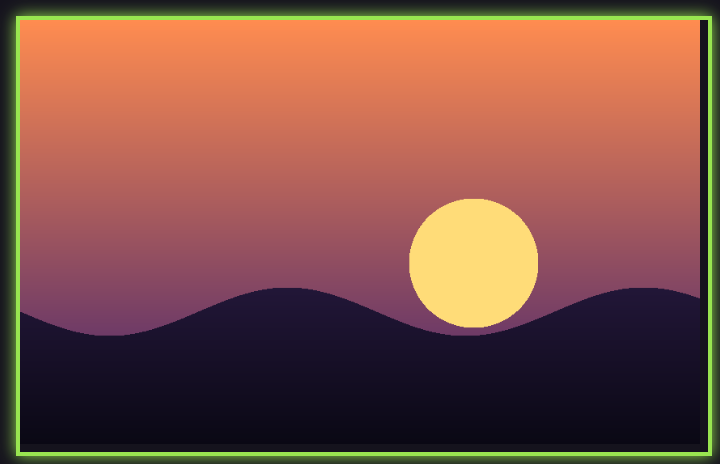
Tap Ctrl+K.

Nothing under the cursor:

03. Hold menu: Q W A S D
Hold Ctrl+K ~1 s. The menu opens centered on the cursor.
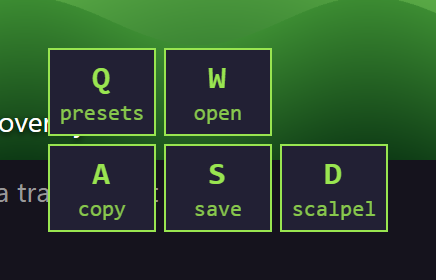
| Q presets | Slots for saving settings. |
| W open | In the viewer. |
| A copy | File or link. |
| S save | Quick switches. |
| D scalpel | Section 05. |
| Esc | Close. |
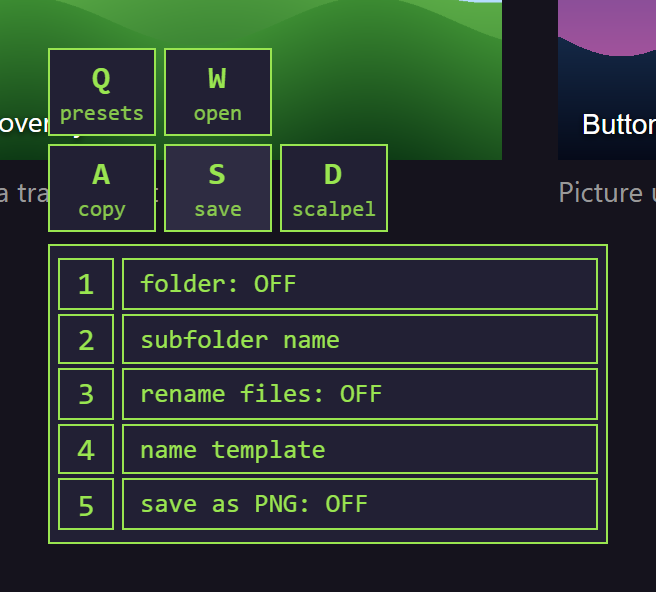
S: five switches. Digit 1…5 or click a row.
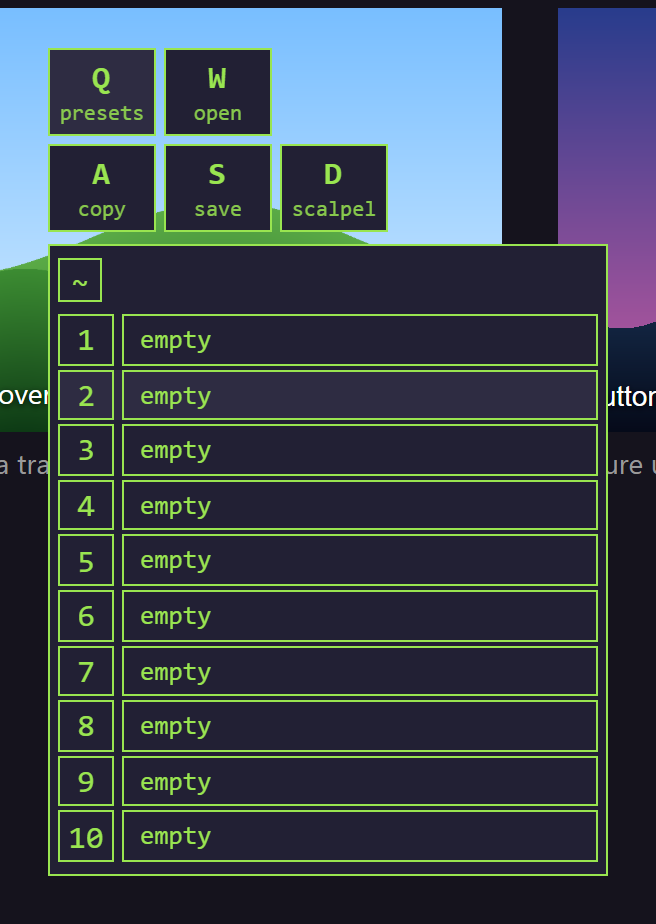
Q: ten preset slots. Digit or click = load. ~ first = write mode: the next digit stores the current saving settings.
04. Tab menu
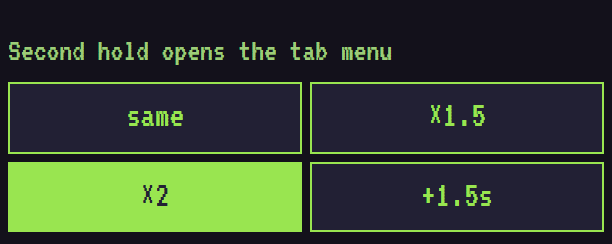
Keep holding Ctrl+K (second hold, default ×2).
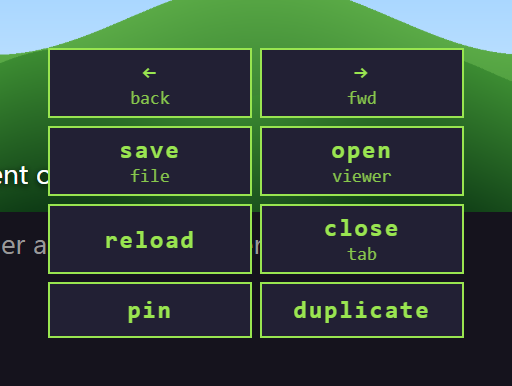
| ← back | |
| → fwd | |
| S save file | this tab's file |
| W/O open viewer | |
| R reload | |
| X close tab | |
| P pin | pin / unpin |
| D duplicate | |
05. Layer Scalpel
Steps through the page layer by layer at one point and saves the layer you pick. The page is not changed.
Hold Ctrl+K, press D.
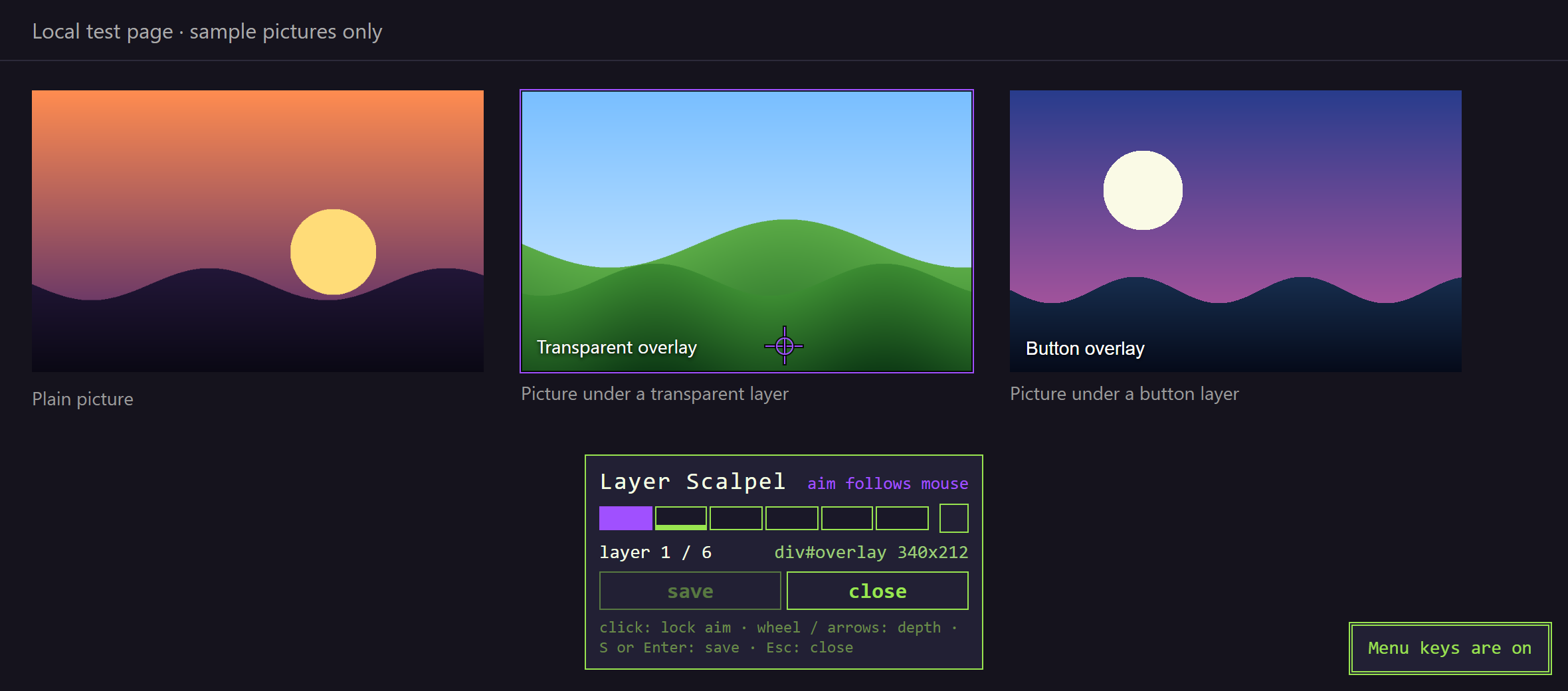
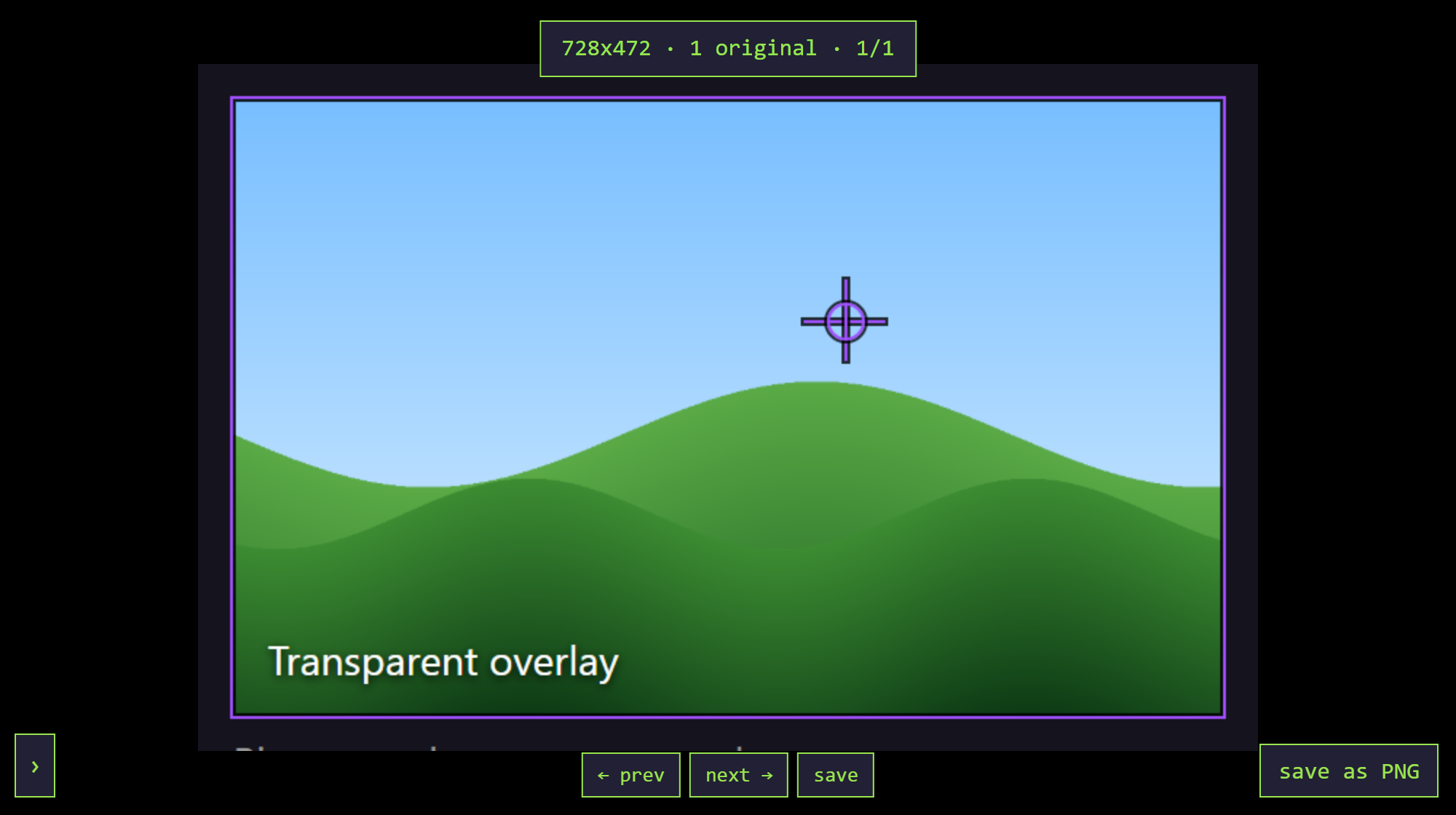
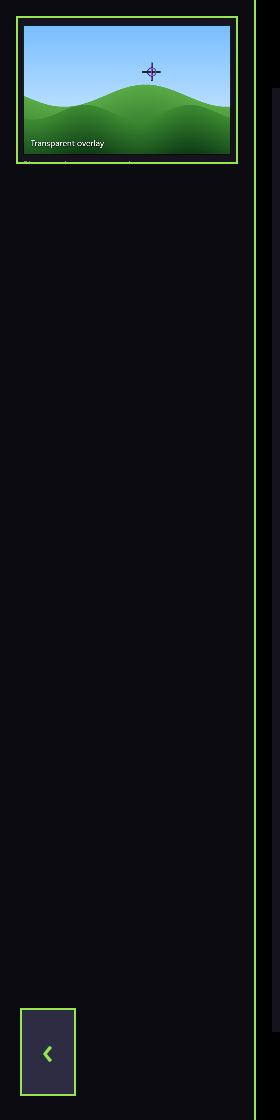
A purple crosshair appears in the middle and follows the mouse; the panel is at the bottom.
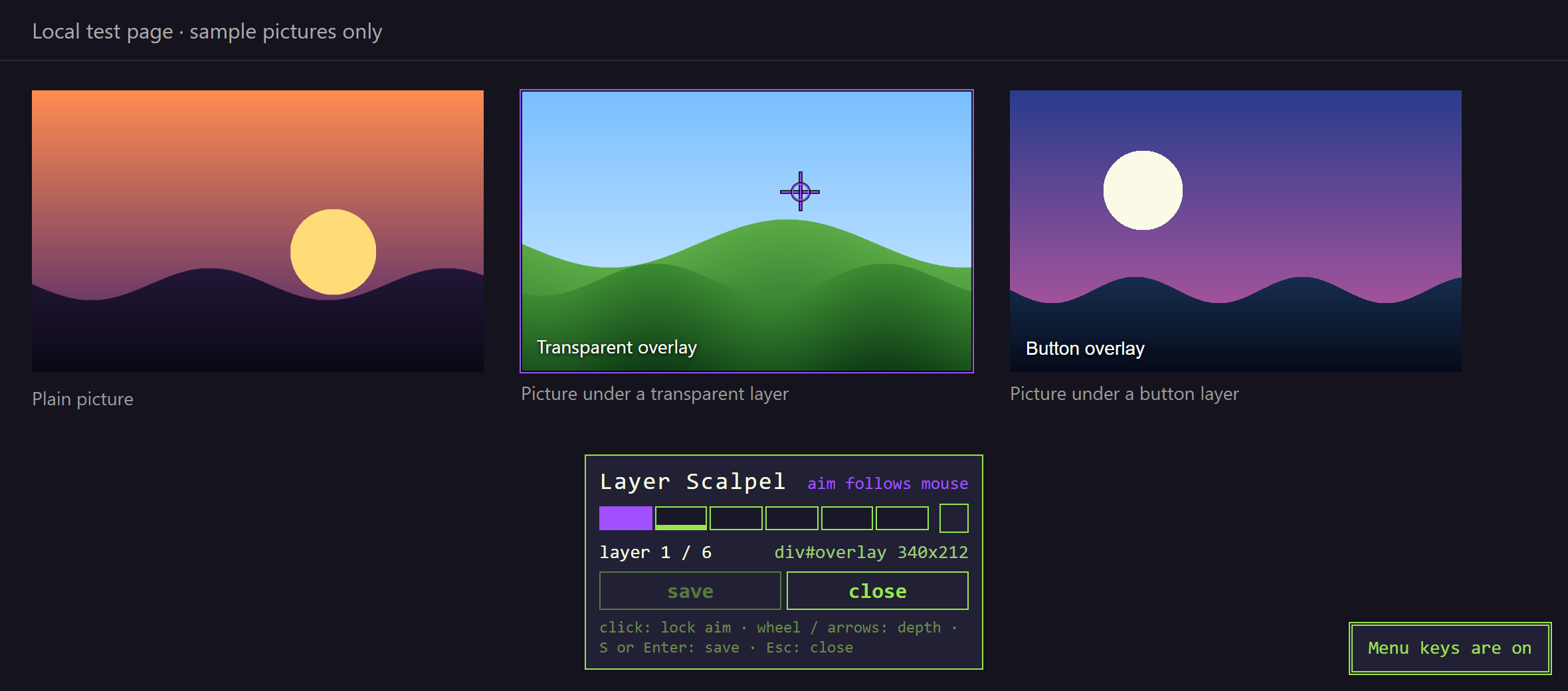
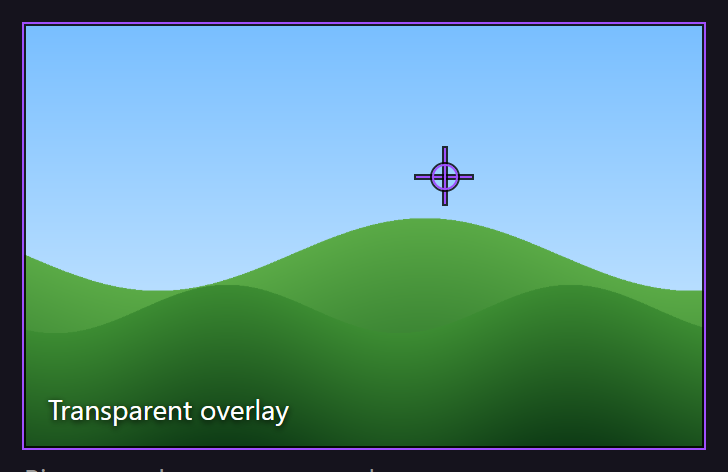
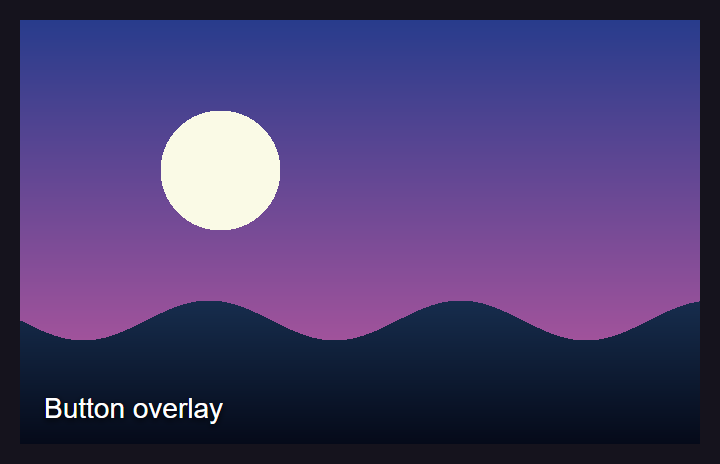
Point at the picture. The purple frame = current layer (here: a transparent overlay).
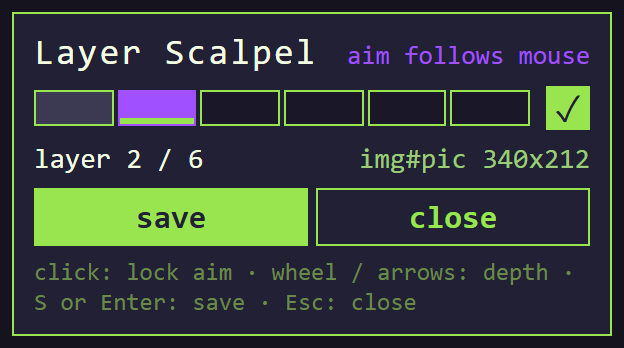
Deeper: wheel, →/↓, ]. Back: ←/↑, [. Or click a segment. Picture or video → green ✓.
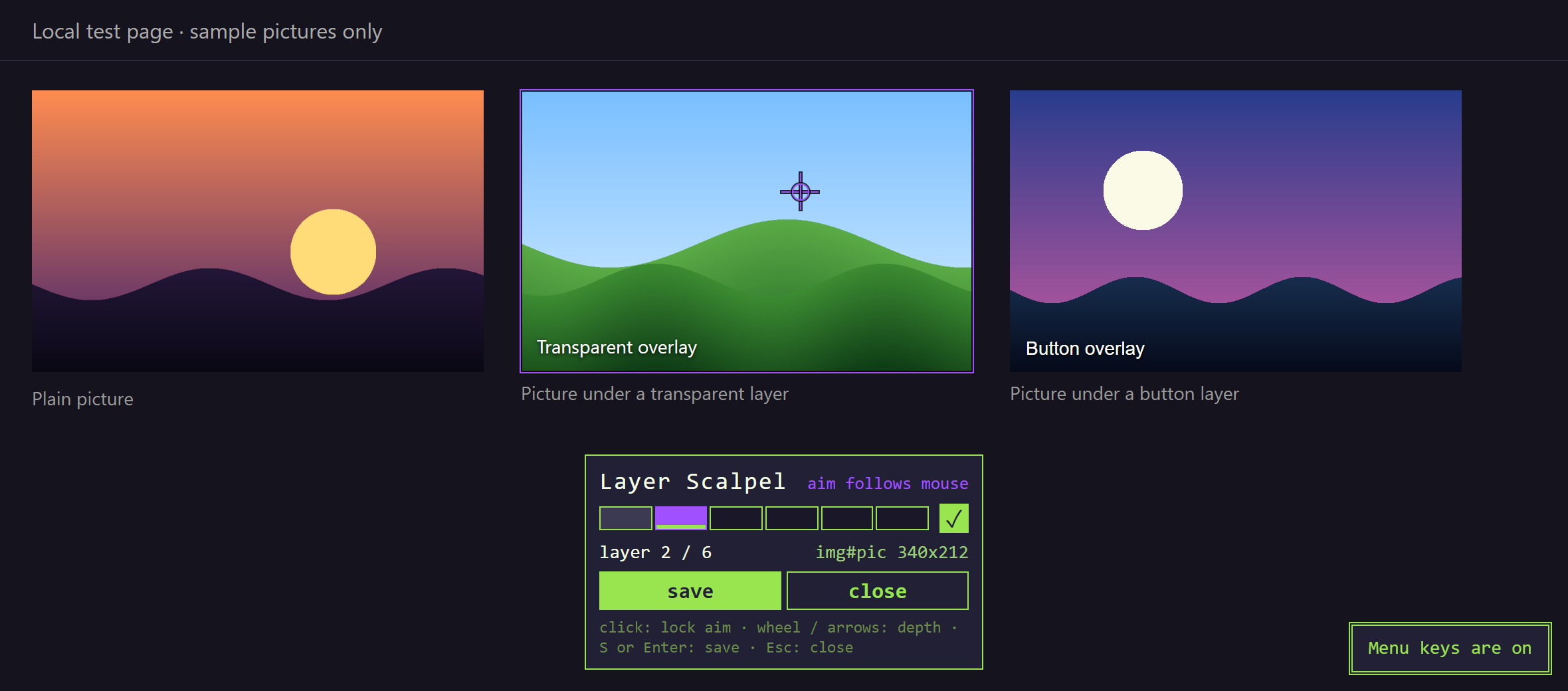
Segments: purple = current, grey = passed, green line = picture. Then layer number, element name and size.
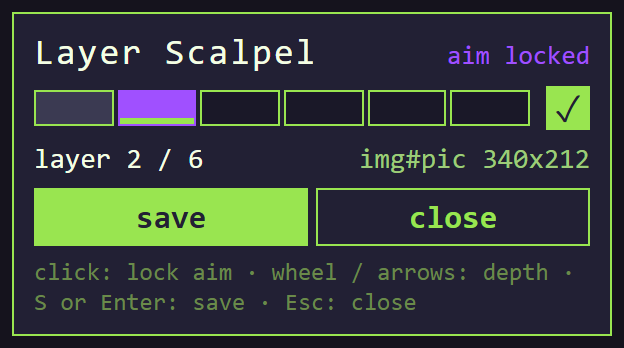
Click the page or Space to lock the aim; the mouse can now go to the panel. Click again to unlock.
Save: S, Enter, save or a tap of Ctrl+K. The scalpel closes, then saves. No picture on the layer → note only.

06. Look under overlays (automatic)
For sites that put an invisible button or frame over the picture.
In Behavior. Default: left button.
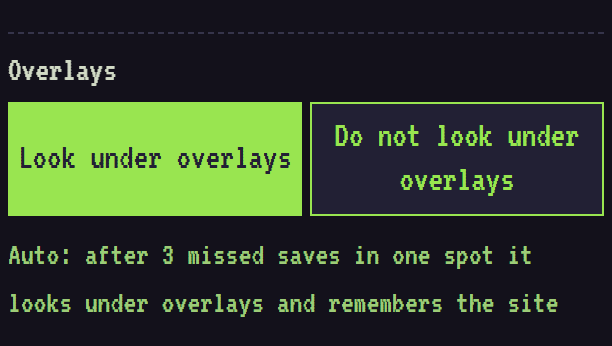
Each empty save counts as a miss for that spot.

3rd miss in the same spot → it looks under the overlays, saves the picture and remembers the site.


From then on: look-under always on for this site (hover frame too), saved on the first tap.
07. Zoom
Point at a picture and hold the mouse wheel (middle button) for Hold the wheel to zoom (Timings).
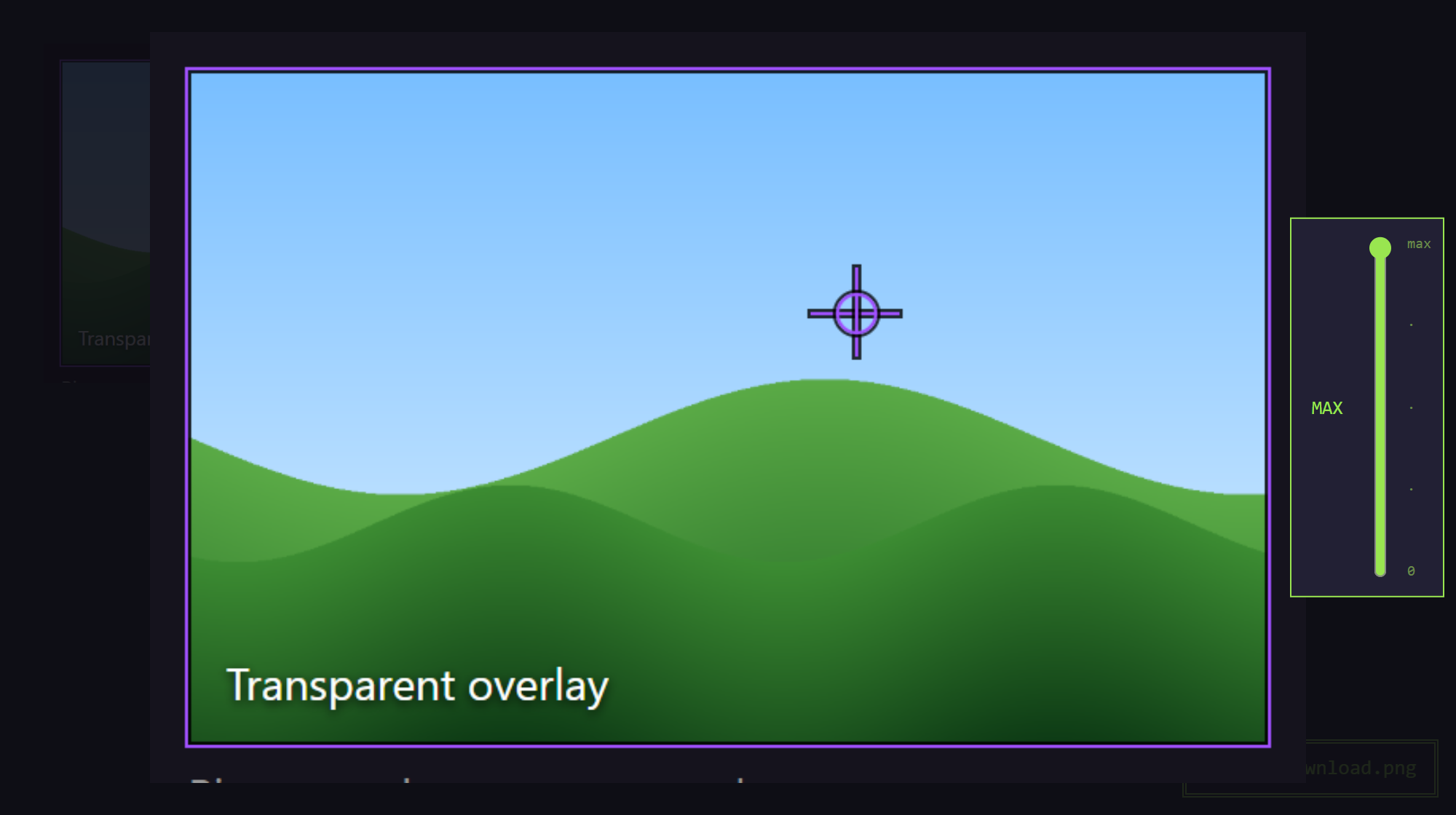
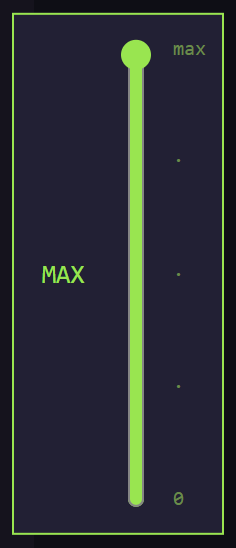
Slider on the right: max … 0. Bottom (0) closes zoom.
Wheel: closer / farther (100–300%). Drag to move.
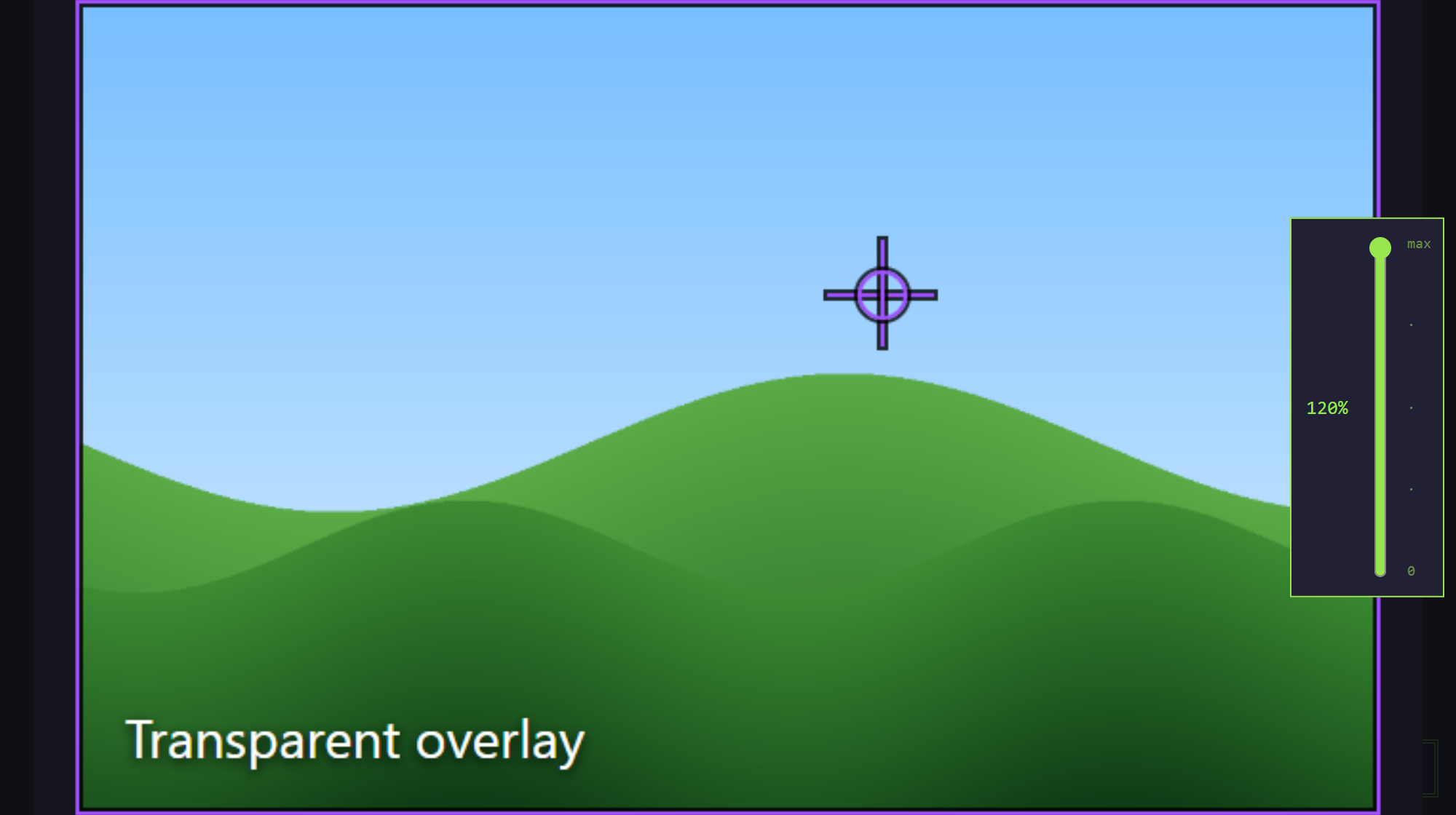
Close: Esc or slider to 0.
08. Switching tabs
Quick menu open (Ctrl+K held) + wheel: one tab left/right.
Tab menu open (second hold) + wheel: TAB SPIN mode — the wheel keeps switching tabs, badge SPIN. Exit: click or the save key.
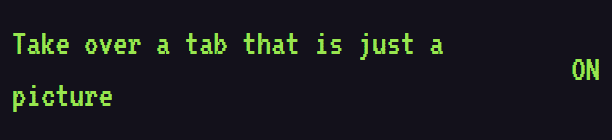
On picture-only tabs (viewer, image files) the wheel switches tabs. On/off: Wheel switches tabs in viewer (Behavior).
09. Viewer
Opens with W / Open on a picture. Saved pictures are listed in its history.
Viewer tab.
Keys: ← or Backspace, →.
Also Ctrl+S or the save key.

Pick a file format.

History panel; click an entry to open it.

Esc — close.
10. Popup: Keys
Open Keys.
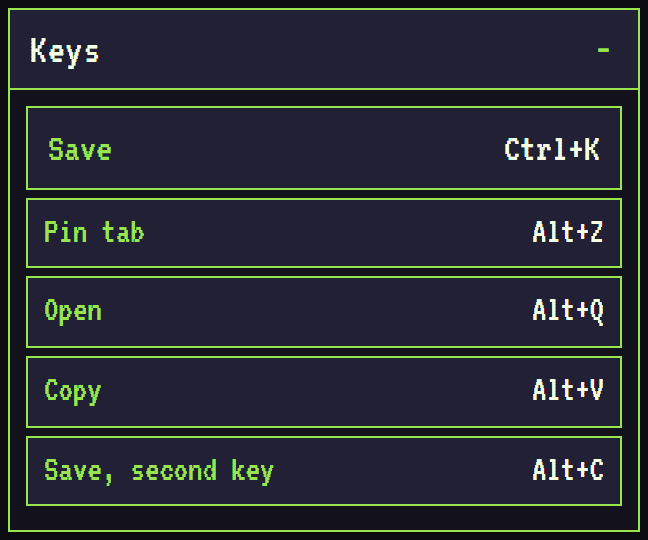
tap = save, hold = menus

11. Popup: Saving
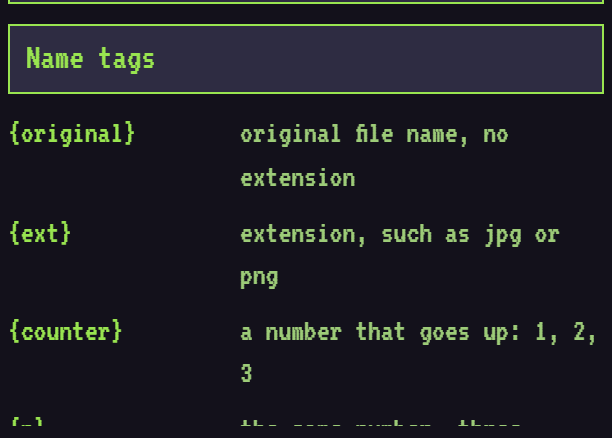
Open Saving.
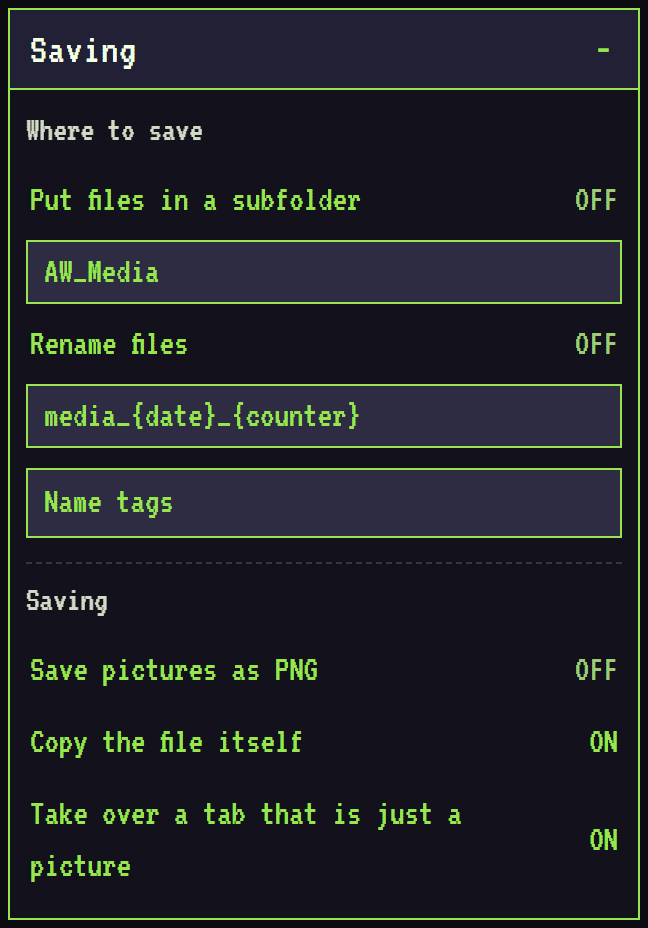
inside Downloads

click a tag to insert it
not only the link

opens it in the extension viewer
12. Popup: Behavior
Open Behavior.
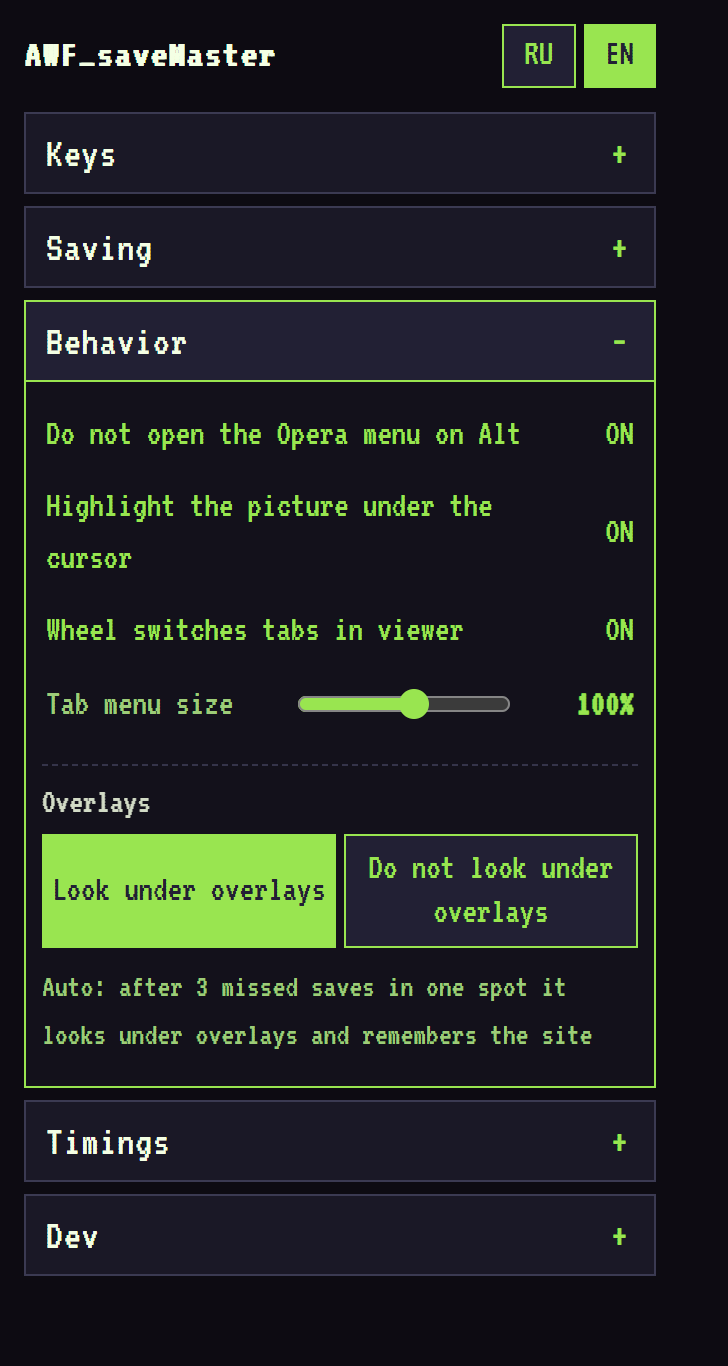
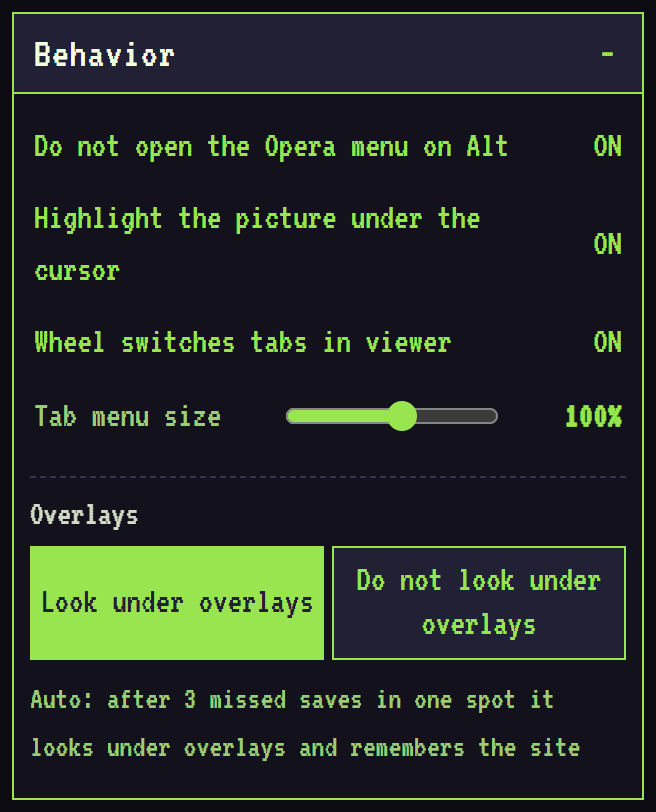
picture-only tabs: viewer, image files → 08

auto mode → 06
13. Popup: Timings
Open Timings.
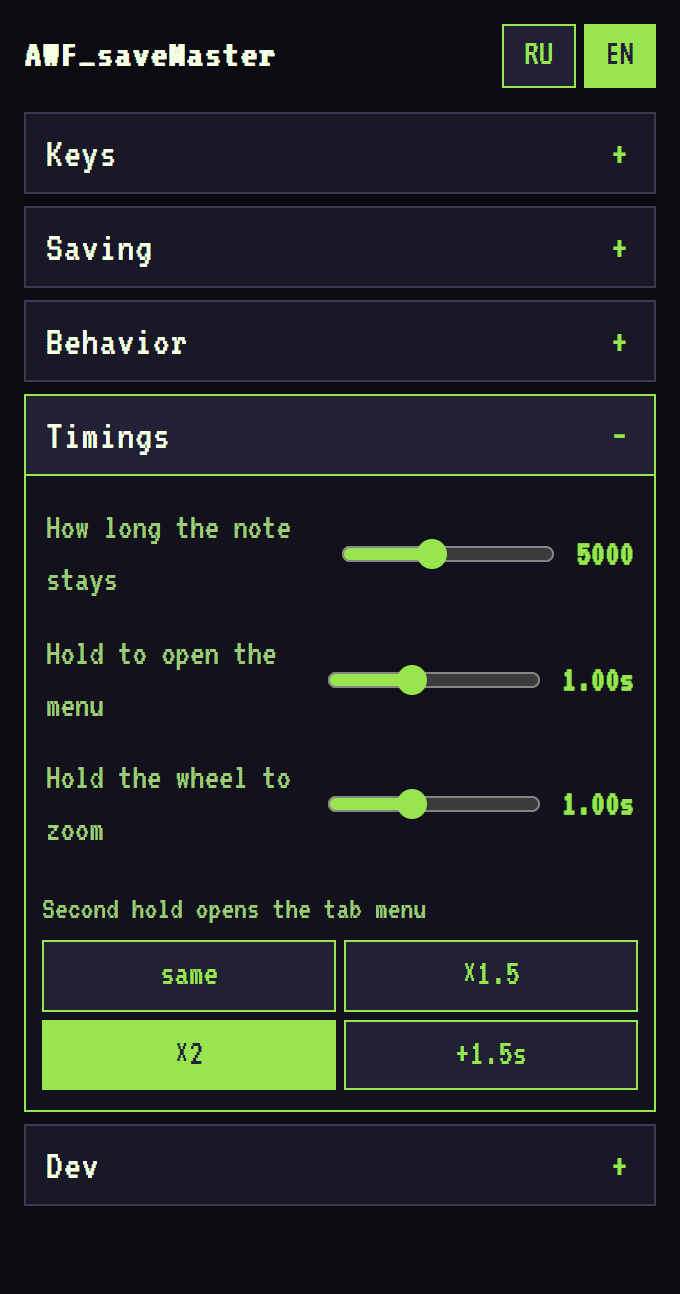
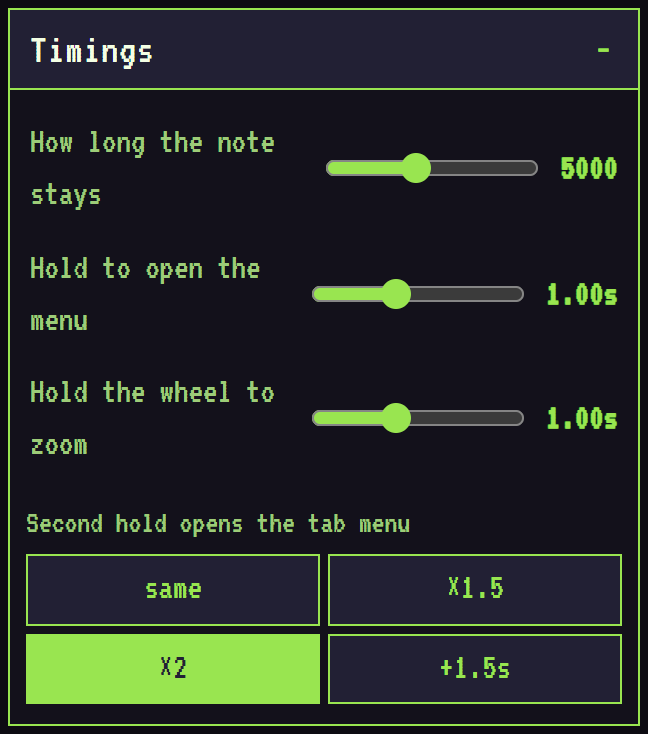
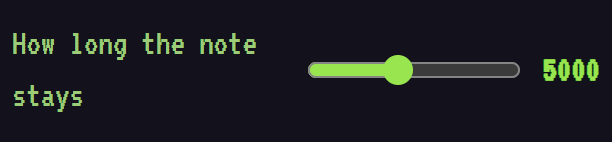
ms
relative to the first hold
14. Popup: Dev
Open Dev.
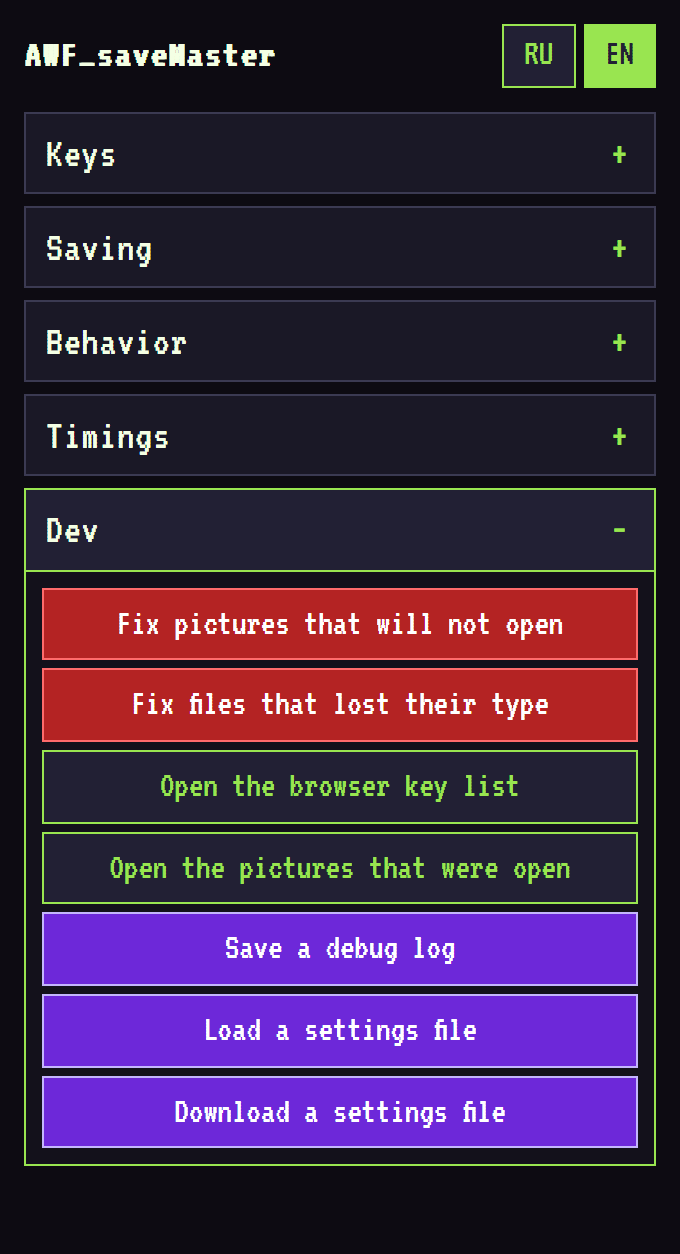
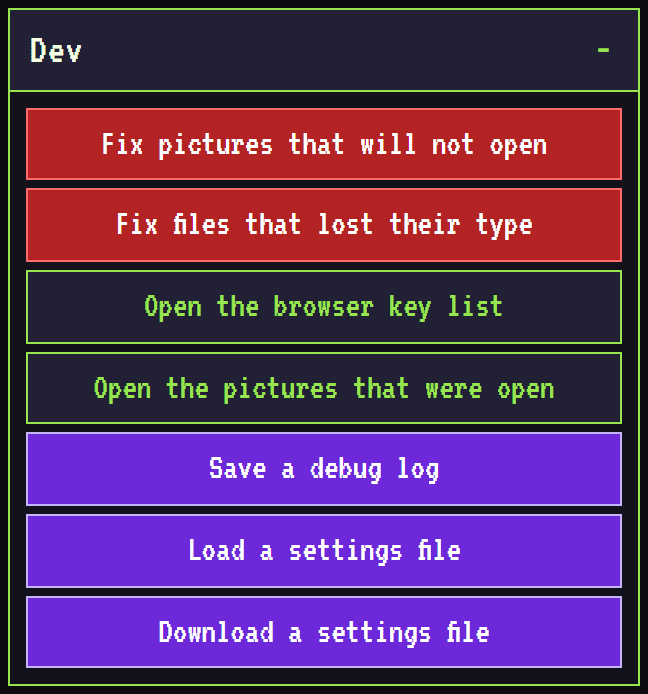
files from the download history


viewer tabs from last time

for bug reports
